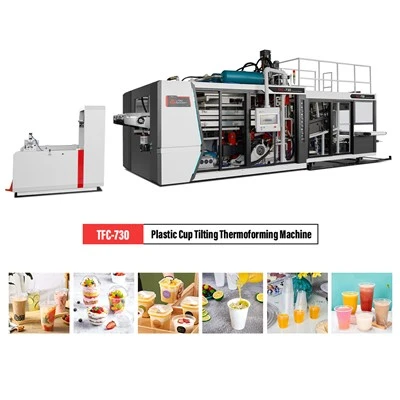
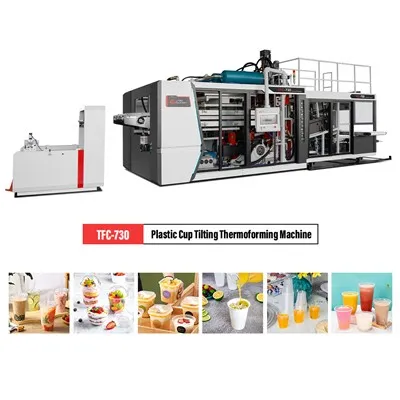
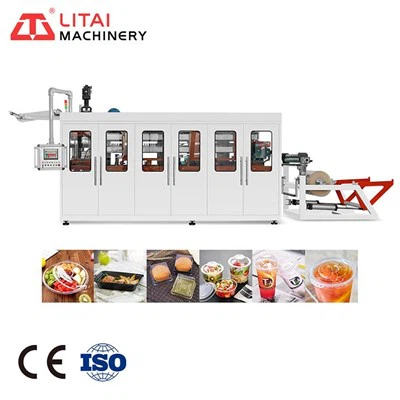
1. The carton forming machine chooses a flat table, puts the machine firmly, and can pull the chassis feet apart to make the machine panel easy to observe.
2. Insert the plug on the hand-held sensor head into the socket on the panel and tighten it. Pay attention to the positioning gap.
3. Insert one end of the power cord into the socket on the rear panel of the chassis and the other end into the power supply socket. Please use a single-phase three-wire power supply.
4. Turn on the "POWER SW." on the rear panel of the case, press the "SWITCHING" button on the panel, and wait for the "WARM UP" green indicator light to turn on, and the machine can work.
5. Press and hold the "SETTING BUTTON" button and set it to an appropriate value, usually between 0.5-2.0 seconds.
6. Put the induction head on the container lid and press the start button on the handle. At this time, the "HEATING" red indicator light is on, indicating that it is heating, and the induction head should not be removed, and the "HEATING" red indicator light After it is off, remove the sensor head and wait for the "WARM UP" green indicator light to turn on or the buzzer in the machine to make a short "beep" prompt, and then the next container can be sealed.
7. Check the sealing quality of the carton forming machine. According to different materials, diameter containers and production efficiency, properly trim the "SETTING BUTTON" button to make the sealing quality the best.